
Recommended Authentication Apps
Smartphone app
Using an app on your smartphone to generate one-time OTP verification codes is more secure. The second-factor authentication is generated on a different device than the one used to access the system.
The recommended apps are available for free on both Android and iPhone.
Microsoft Authenticator

Download link for Android: Play Store
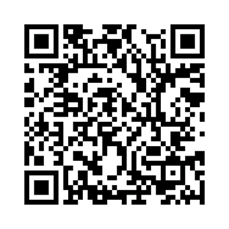
Download link for iPhone: App Store
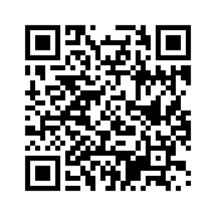
Google Authenticator

Download link for Android: Play Store
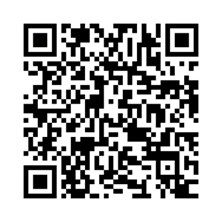
Download link for iPhone: App Store
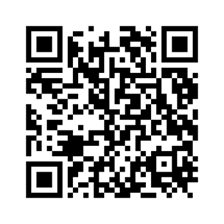
Adding an account in smartphone apps
- Select “Add a new account”
- Use your phone’s camera to scan the QR code displayed on the portal
- The account and all settings will be configured automatically
Desktop applications
If a user does not have a compatible phone or is unable to install the authentication app on their phone for any reason, they can use desktop applications that can be installed on a desktop computer or laptop. Recommended options include:
Proton Authenticator

For Windows, Linux, Mac, iOS, Android
Download link
AuthWin

For Windows
Download link
Adding an account in desktop apps
- Select “Add a new account”
- Please fill in the following information:
Name: your username
Issuer: UTB
Secret: the secret code displayed in the MFA settings below the QR code on the portal - There is usually no need to change the other settings
- Save settings